1.1.3: Better, Faster, Calmer.
Timely 1.1.3 is a small update that brings a handful of changes that make Timely feel faster, calmer, and a little more considered.
The biggest change is one you'll probably notice while creating a countdown.
Faster emoji suggestions
Since launch, Timely has been able to use Apple Intelligence to suggest an emoji and colour based on the title of your countdown.
It works well, but even an on-device language model can take a second or two to come up with an answer.
If you type Dentist Appointment, there probably isn't much mystery about which emoji Timely should suggest.
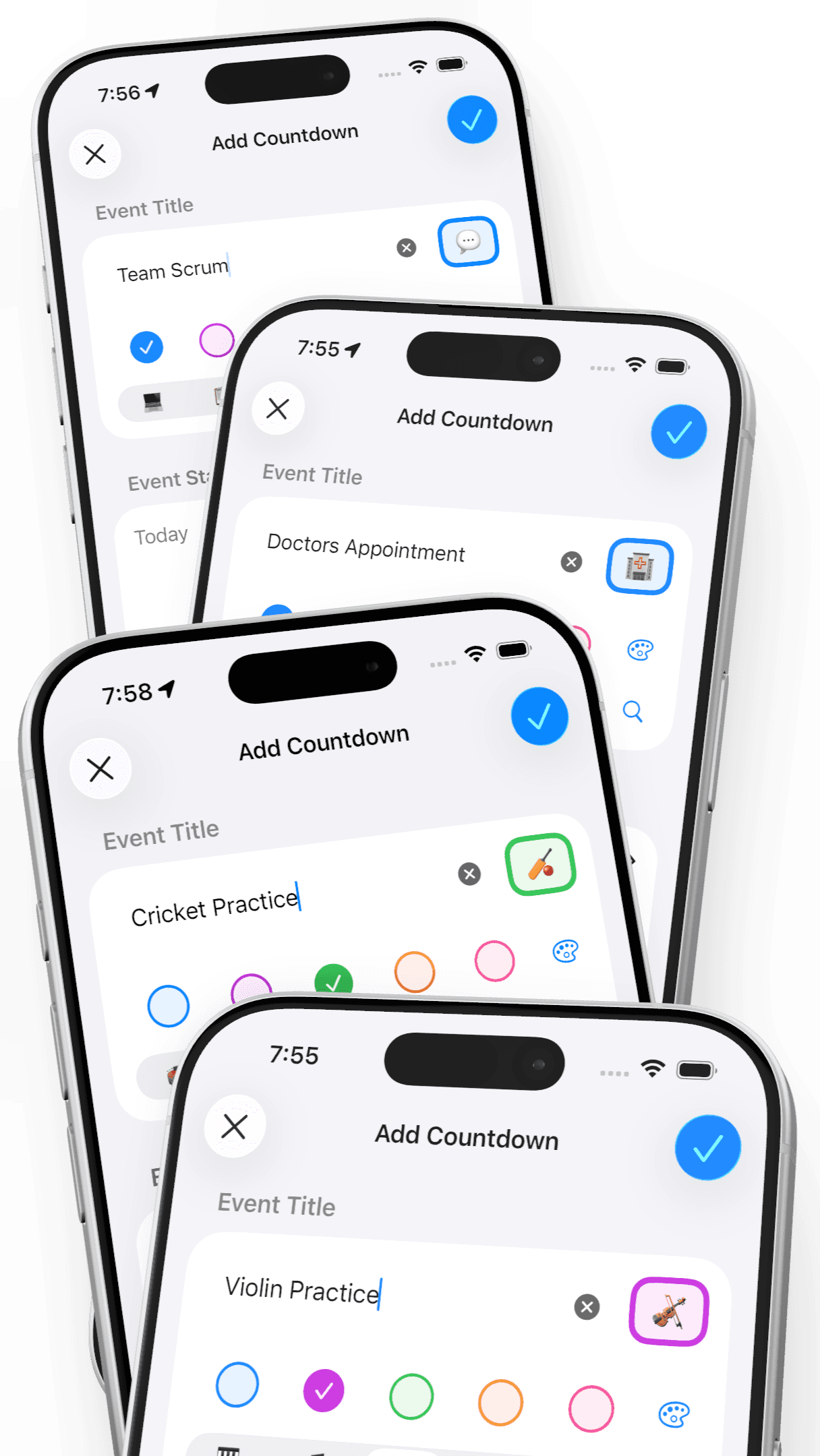
So in 1.1.3, I've added a large deterministic library of common countdown titles and their corresponding emoji and colours.
Things like:
- Gym
- Doctor's Appointment
- Football Training
- Game Night
- Trombone Practice
- Dinner Reservation
- Team Stand-up
- Sauna Session
When Timely recognises one of these titles, there's no AI lookup at all. It's just an old-fashioned text match, so the suggestions appear right away.
And because none of this requires Apple Intelligence, these suggestions now work on every device that can run Timely. Apple Intelligence is still there for everything else — it just gets to concentrate on the titles I couldn't predict in advance.
A slightly ridiculous number of titles
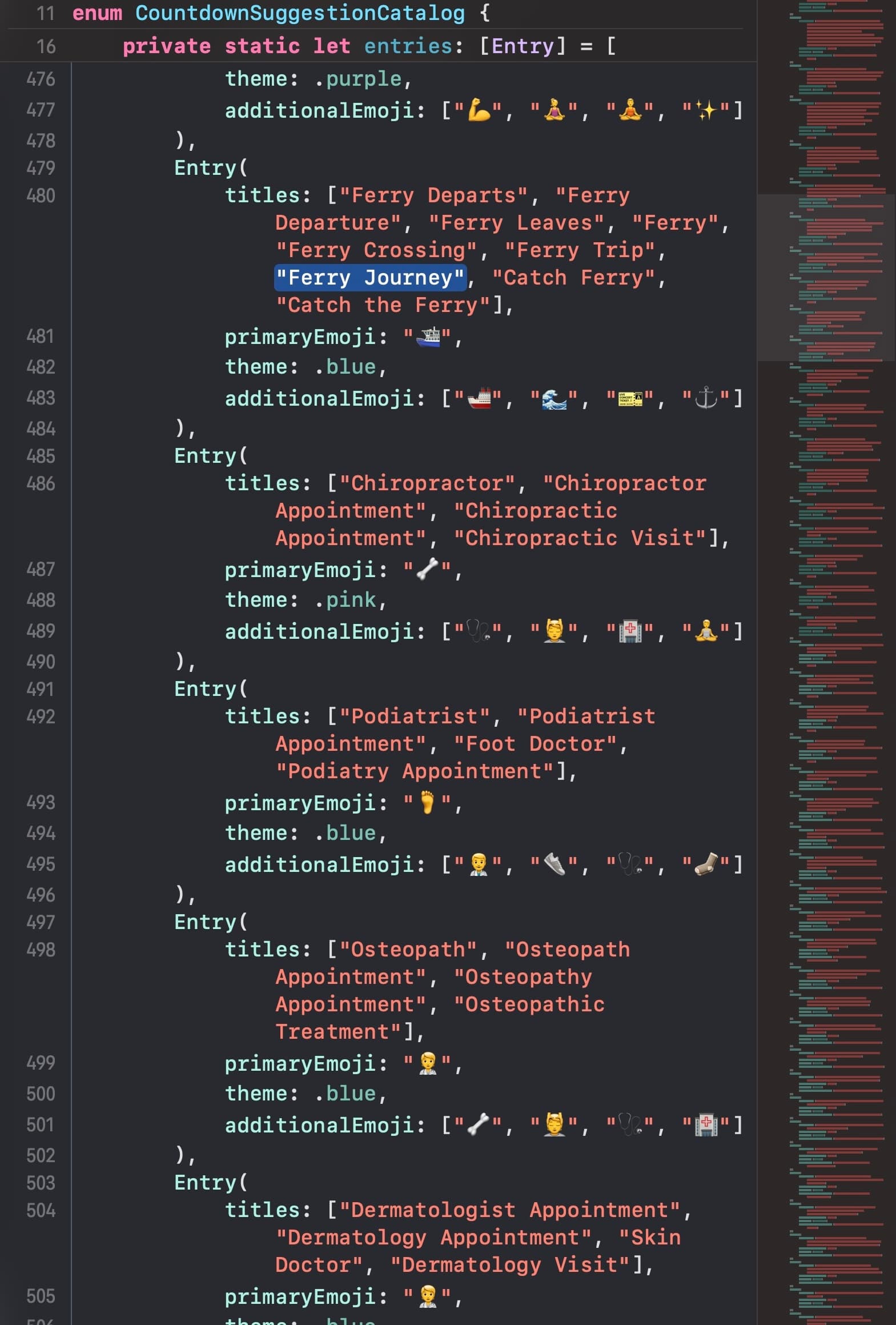
Building the library sent me down some entertaining rabbit holes.
I started with broad categories, used powerful AI models to help expand on those and break them into increasingly specific subcategories, and then generated variations of the kinds of titles people might actually type.
A single concept like a sauna can therefore recognise things like Sauna, Sauna Session, Sauna Time, Sauna Appointment, Sauna Booking, Steam Room, and Steam Room Session.
I may have gone particularly overboard with corporate meeting terminology. Morning stand-ups, team syncs, daily catch-ups, work stand-ups and an alarming number of other ways of describing what is essentially a meeting are all in there.
There are also a few easter eggs scattered across this library, title and emoji pairings that while always appropriate may also get a smile if you ever spot them.
If you find an obvious gap, please get in touch. If there's a common countdown title that Timely ought to recognise, send me a request and I'll look at adding it to the library.
A smoother emoji spinner
This, in turn, prompted me to rebuild the little emoji spinner you see while entering a countdown.
The previous animation had a tendency to land with a bit of a pop. In 1.1.3, the movement is smoother and more continuous, and the final emoji settles into place more naturally.
Calm and Continuous Countdowns
Since launch Timely has had a couple of features for those times when you want to put a countdown on screen and simply leave it there.
When viewing an individual countdown, Timely can override your iPhone's usual Auto-Lock behaviour, keeping the countdown visible instead of letting the display go to sleep.
And when you want to focus on nothing but the countdown, tap the timer to enter Calm Countdown. Timely strips the interface back to basics, leaving a simple, focused view of the time remaining.
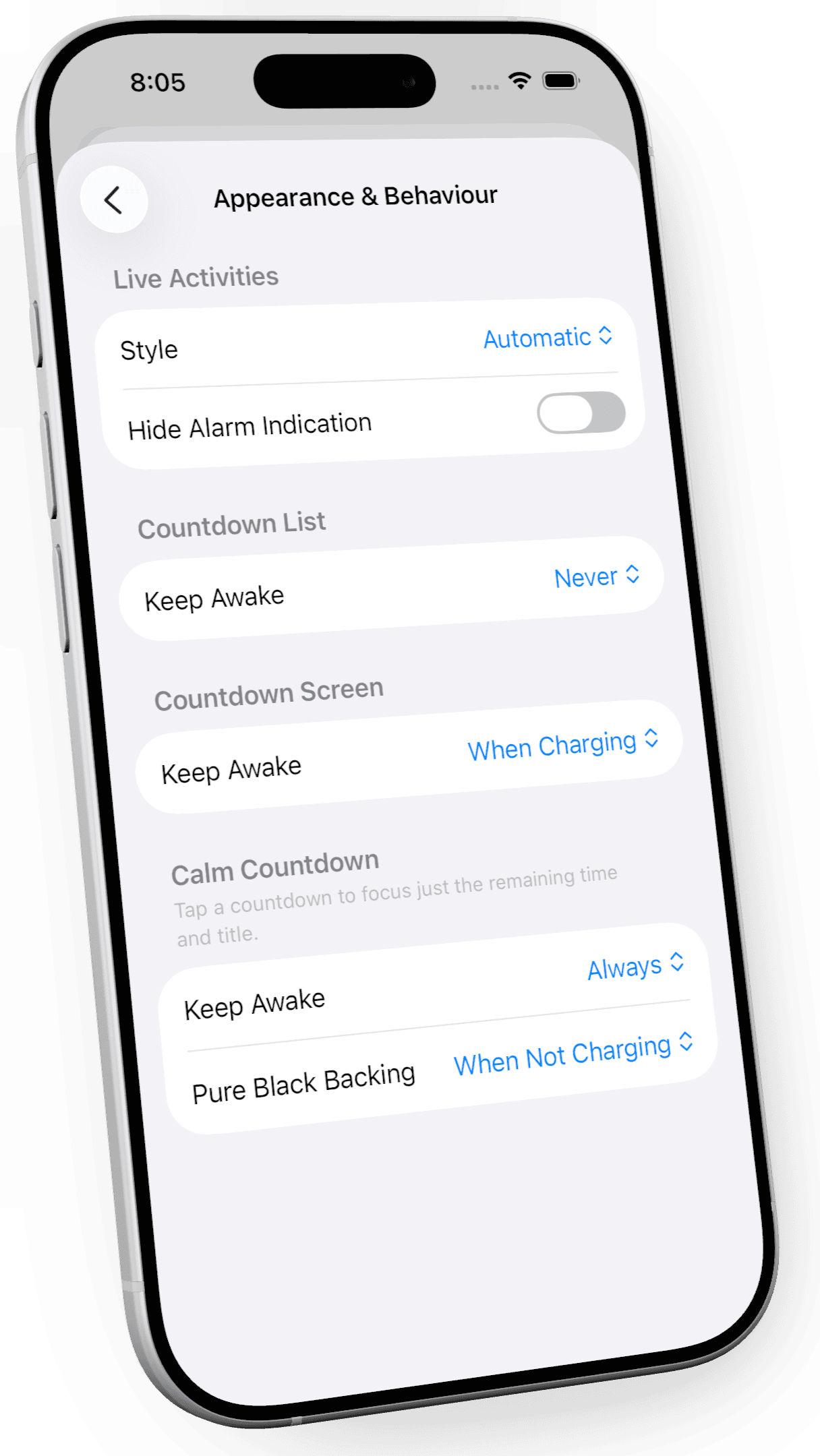
In 1.1.3, I've given you much finer control over both.
The Appearance & Behaviour settings now give each of Timely's three main views its own Keep Awake setting: the Countdown List, Countdown Screen, and Calm Countdown. For each, you can choose Always, When Charging, or Never.
Timely ships with what I think are sensible defaults for each. The Countdown List respects your normal Auto-Lock settings and never keeps the screen awake. The Countdown Screen stays awake when charging. And Calm Countdown, a mode you deliberately enter, always stays awake.
But they're just defaults. You can configure each view independently.
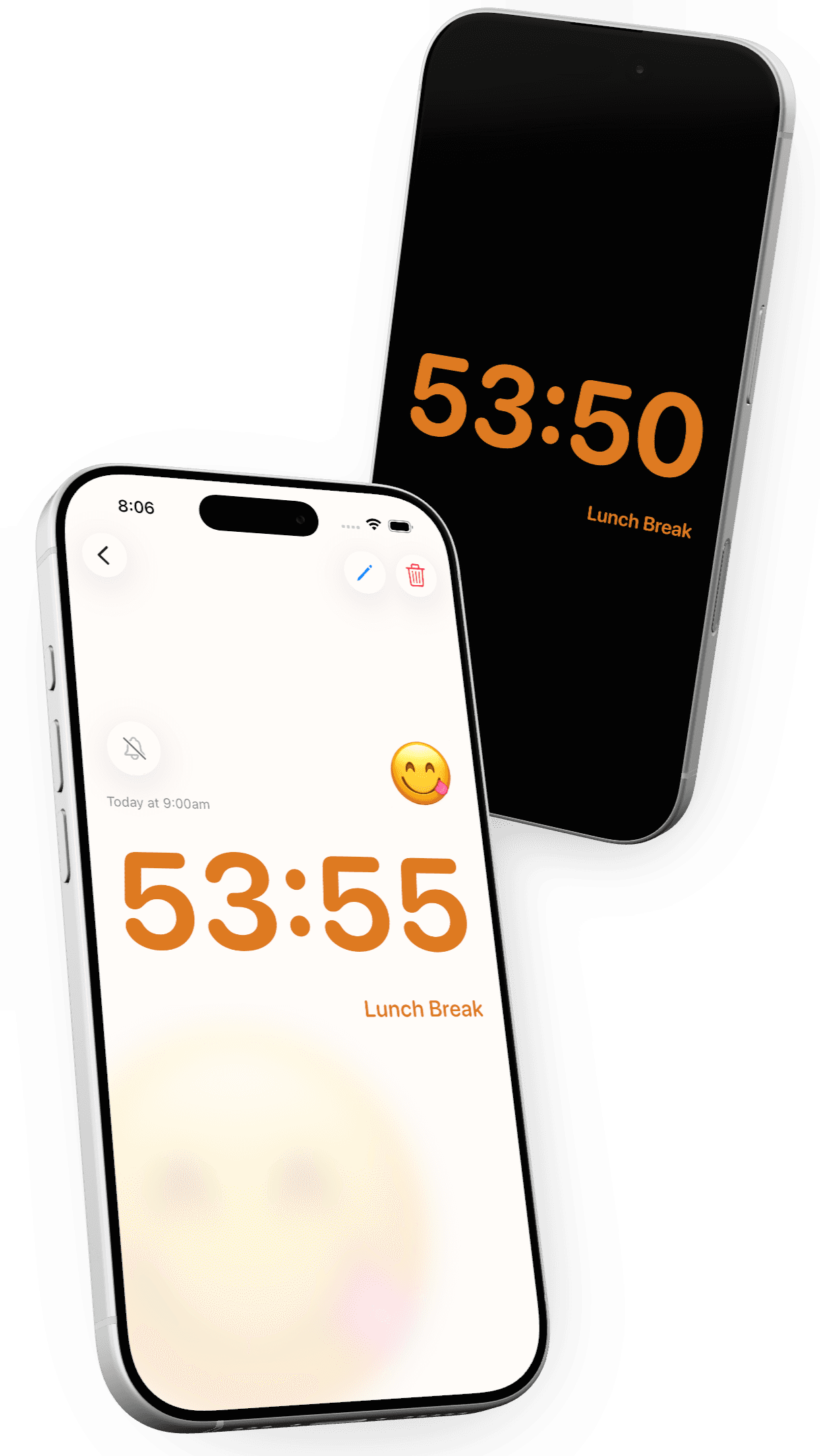
Calm Countdown also has a Pure Black mode, which switches the background to true black regardless of your system appearance. On an OLED iPhone, it makes for an especially minimal, more power-conscious display when you want to put your phone down and simply let the countdown stay with you.
In 1.1.3, Pure Black gets the same finer-grained control. You can choose to use it Always, When Not Charging, or Never. So Timely can automatically switch to the more power-conscious Pure Black display while you're running on battery, but retain the normal appearance while plugged in.
A better-behaved Live Activity
Finally, I've made some refinements to Timely's Live Activity.
Its appearance on the Lock Screen now responds more naturally to the system's appearance and reduced-luminance states, particularly on iPhones with an Always-On display.
There's not much you need to do or know about this one. Timely should simply look a little more at home on your Lock Screen.
Timely 1.1.3 isn't intended to reinvent the app. It's a collection of smaller improvements to the version of Timely that's already in your hands: quicker suggestions, smoother animations, more control over the display, and a calmer way to leave a countdown running on screen.
Next up: 1.2. I can't wait to tell you all about this...